
Instantly Clean & Validate Enrollment Census Data with Feathery
Accelerate Group Onboarding, Reduce Errors, and Deliver a Frictionless Enrollment Experience

Trusted by leading insurers worldwide


Eliminate Enrollment Headaches—and Manual Data Cleanup
Every enrollment season, carriers receive employee census files from brokers, agents, and groups—each with different formats, missing fields, typos, and invalid data. Manual review and correction delay onboarding, introduce compliance risk, and frustrate everyone.
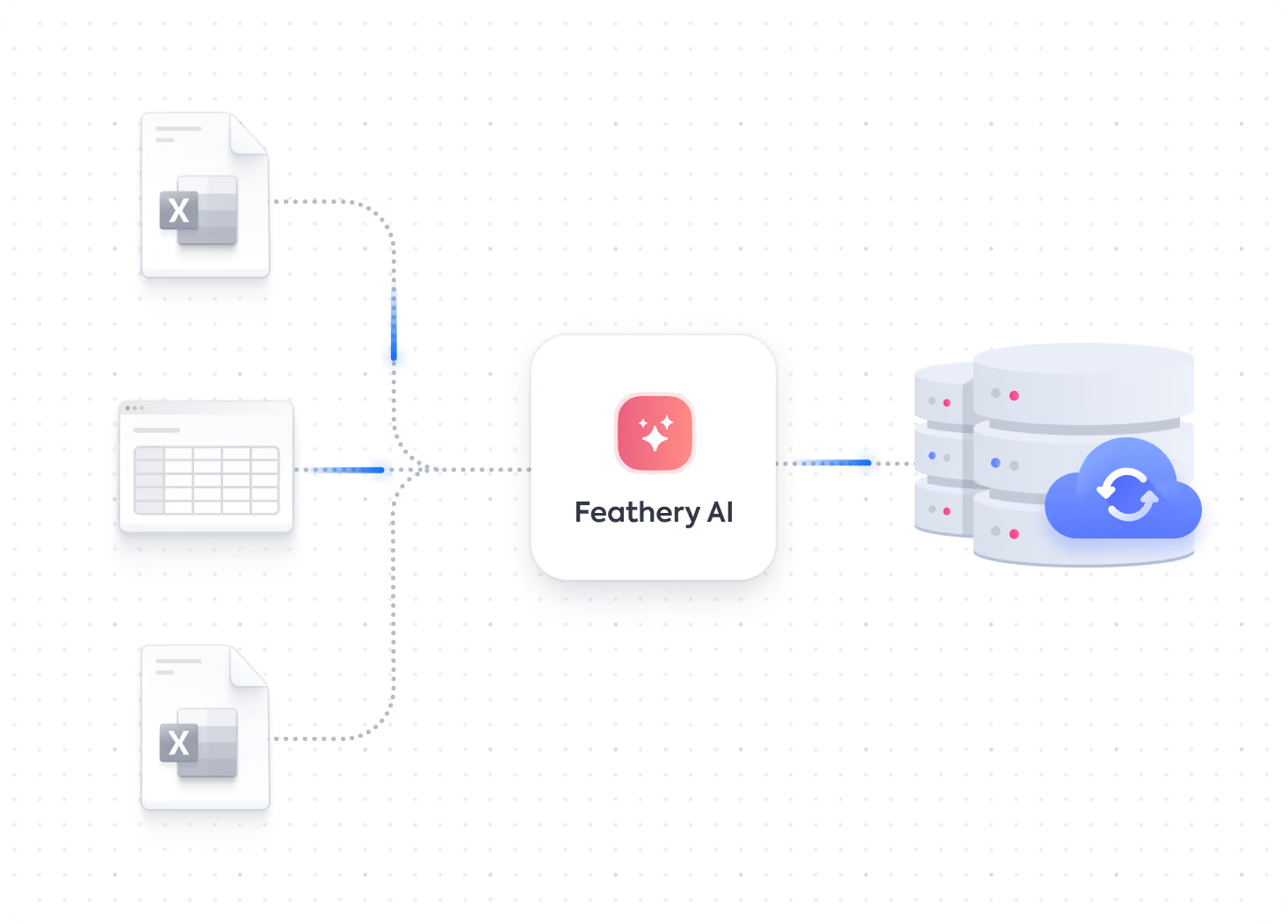
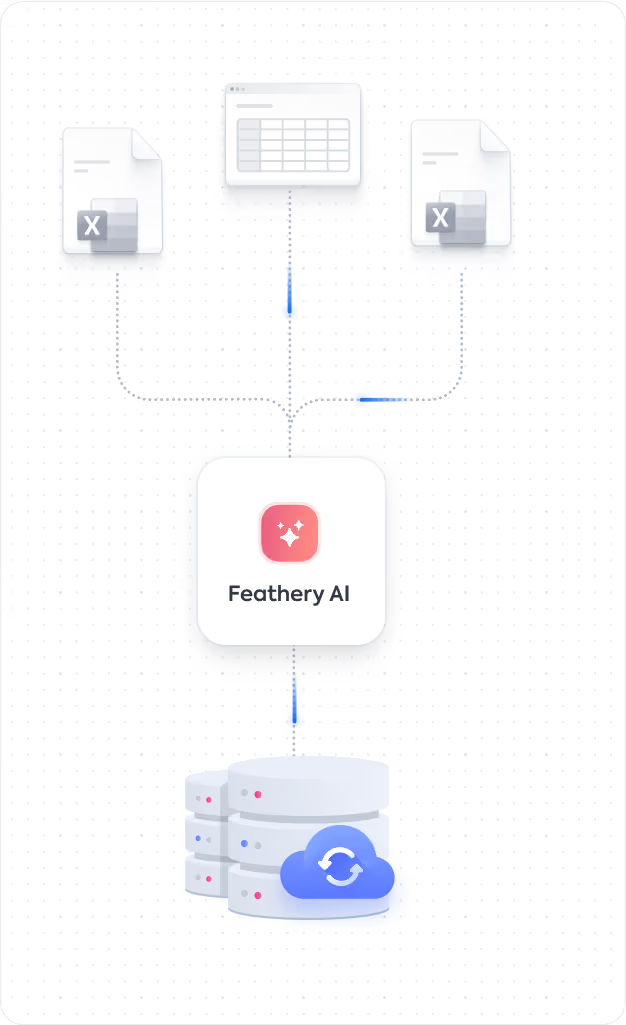
Feathery transforms how carriers handle group census data: Instantly ingest any spreadsheet or file, automatically validate and clean the data, and deliver ready-to-process, error-free enrollment records—every time.
Why Leading Carriers Use Feathery for Census Ingestion
- Ingest Any Census Format: Upload any Excel, CSV, or PDF enrollment file—regardless of column names, order, or extra fields.
- Automated Data Extraction: Feathery’s AI parses and maps all columns—no need to manually reformat or adjust templates.
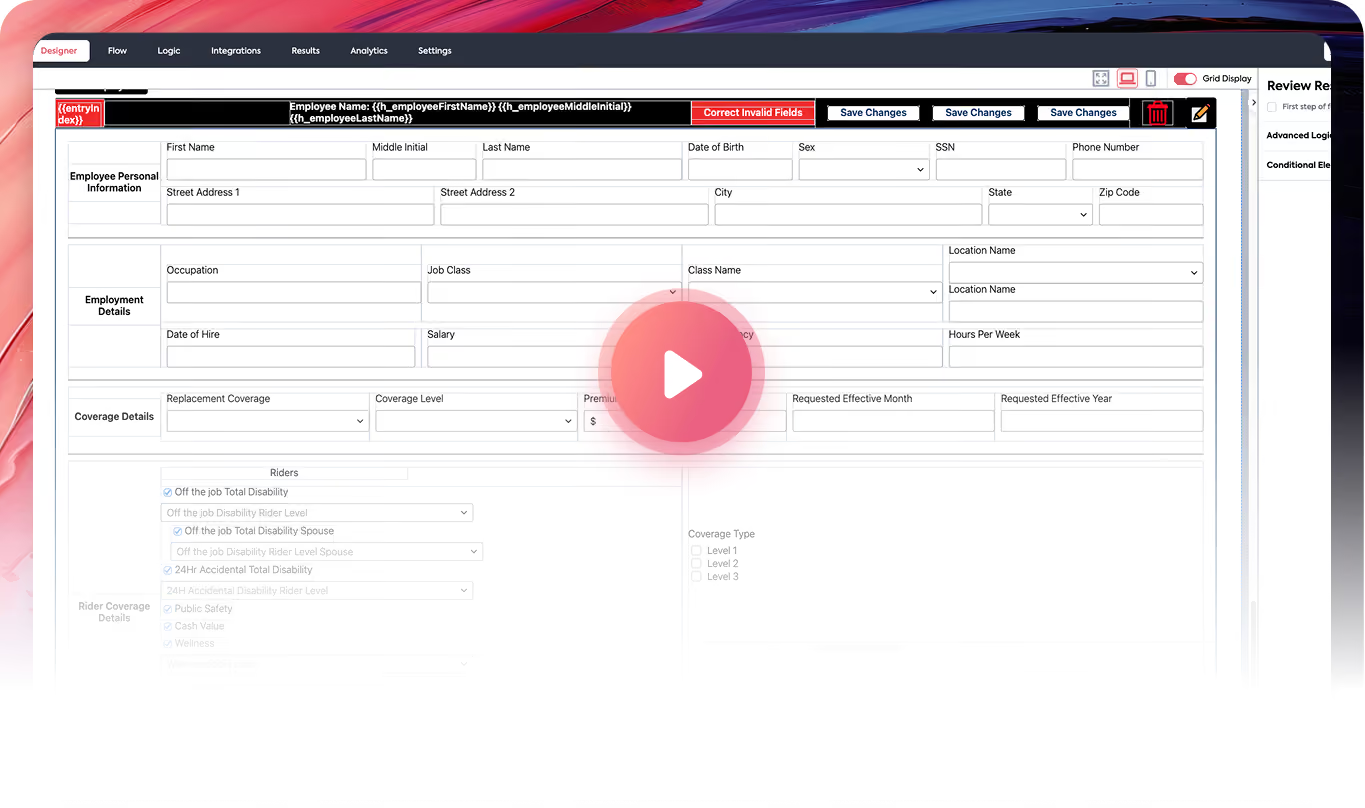
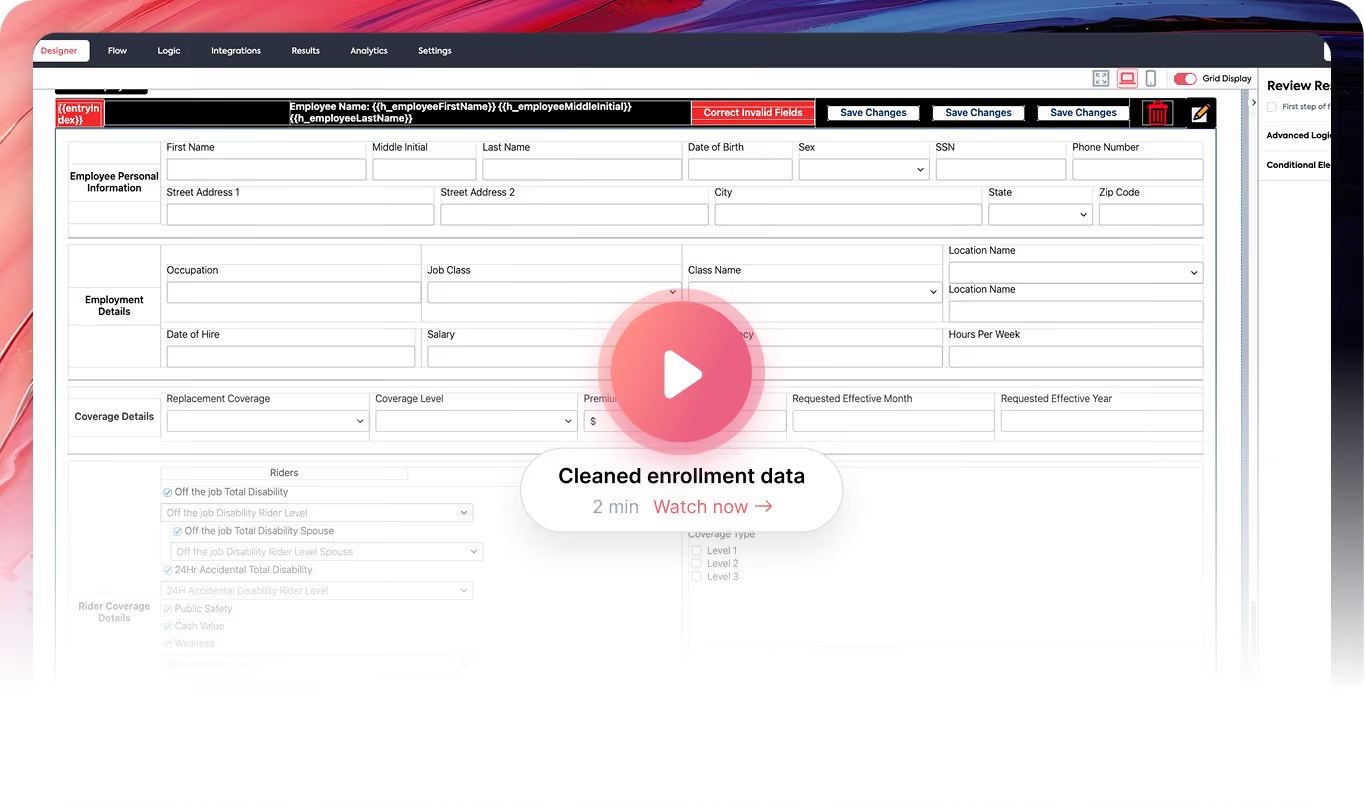
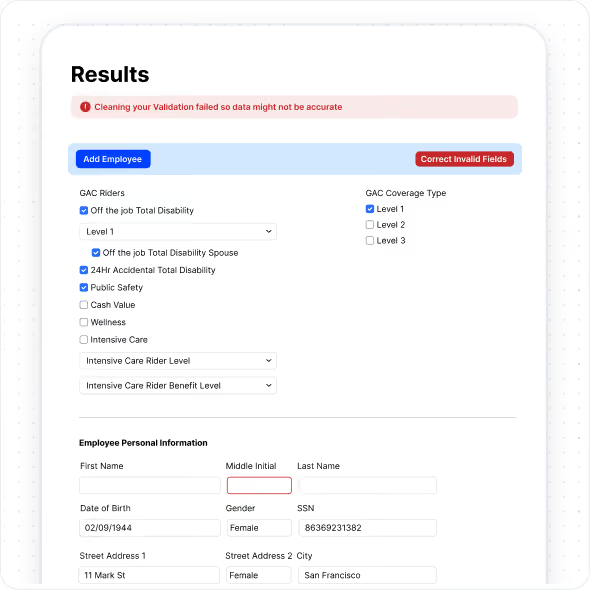
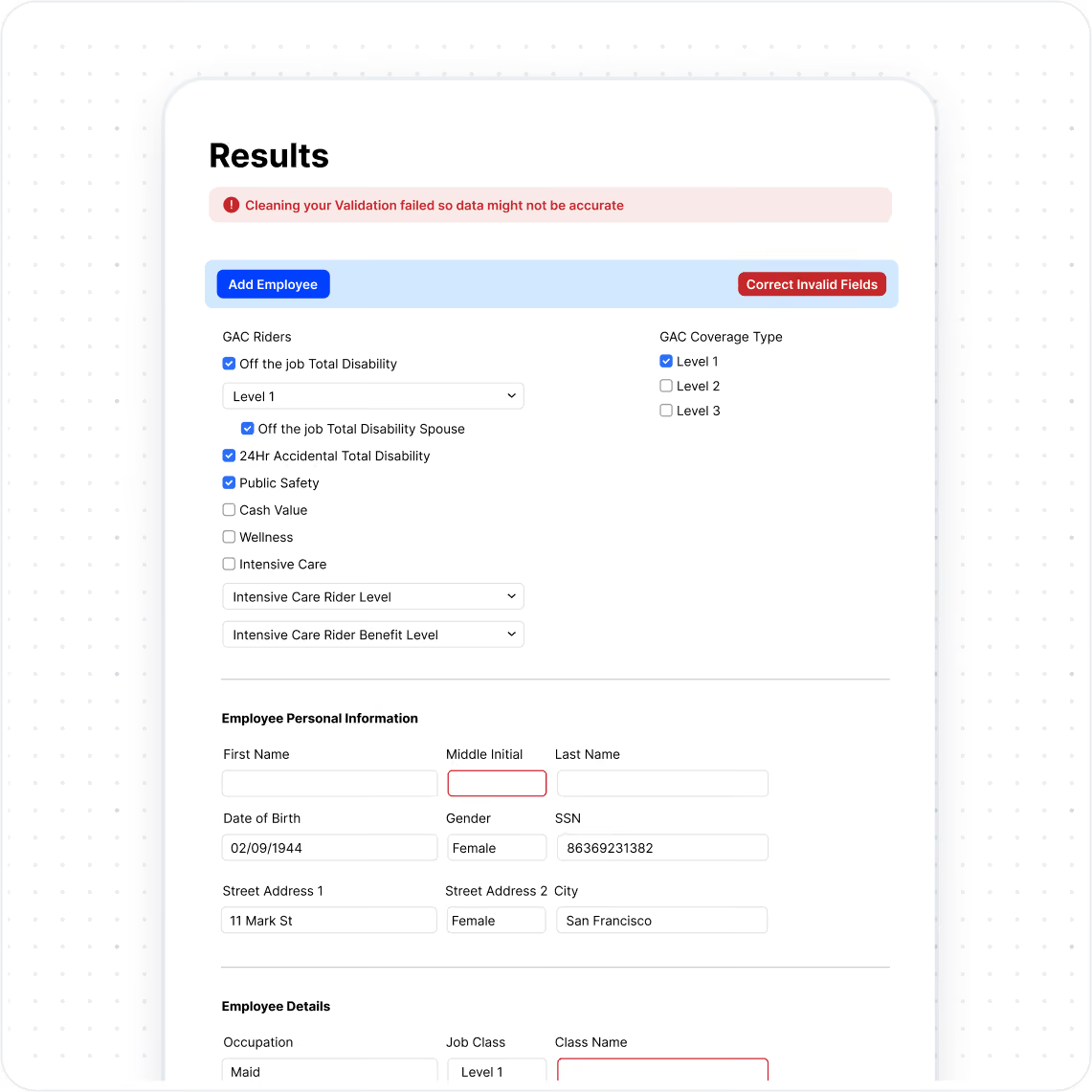
- Instant Validation & Error Detection: Identify missing names, invalid ZIP codes, incomplete selections, and more—with instant feedback.
- Guided Data Cleanup: Users receive clear, actionable prompts to fix errors on the spot—reducing back-and-forth and improving data quality at the source.
- Customizable Business Rules: Enforce required fields, validate agent splits, profile codes, coverage levels, and more—tailored to your exact requirements.
- Seamless Output: Deliver clean, validated, and standardized enrollment data ready for policy admin, billing, and downstream systems.
Frequently asked questions

A census usually lists each employee's name, date of birth, ZIP code, coverage tier, plan selections, and dependents. Carriers often add fields such as agent splits and profile codes. Feathery checks every file against the fields you require before it reaches your team.
Excel, CSV, or PDF, with any column names or order. Feathery maps the columns automatically, so submitters don't have to use your template.
It validates each row as the file is uploaded and flags missing names, invalid ZIP codes, and incomplete plan selections. The submitter is prompted to fix them on the spot.
Yes. Set required fields and rules for agent splits, profile codes, and coverage levels, and Feathery checks every file against them.
Into policy admin, billing, and other downstream systems in the standardized format they expect. Feathery also connects to tools such as Salesforce and Zywave.
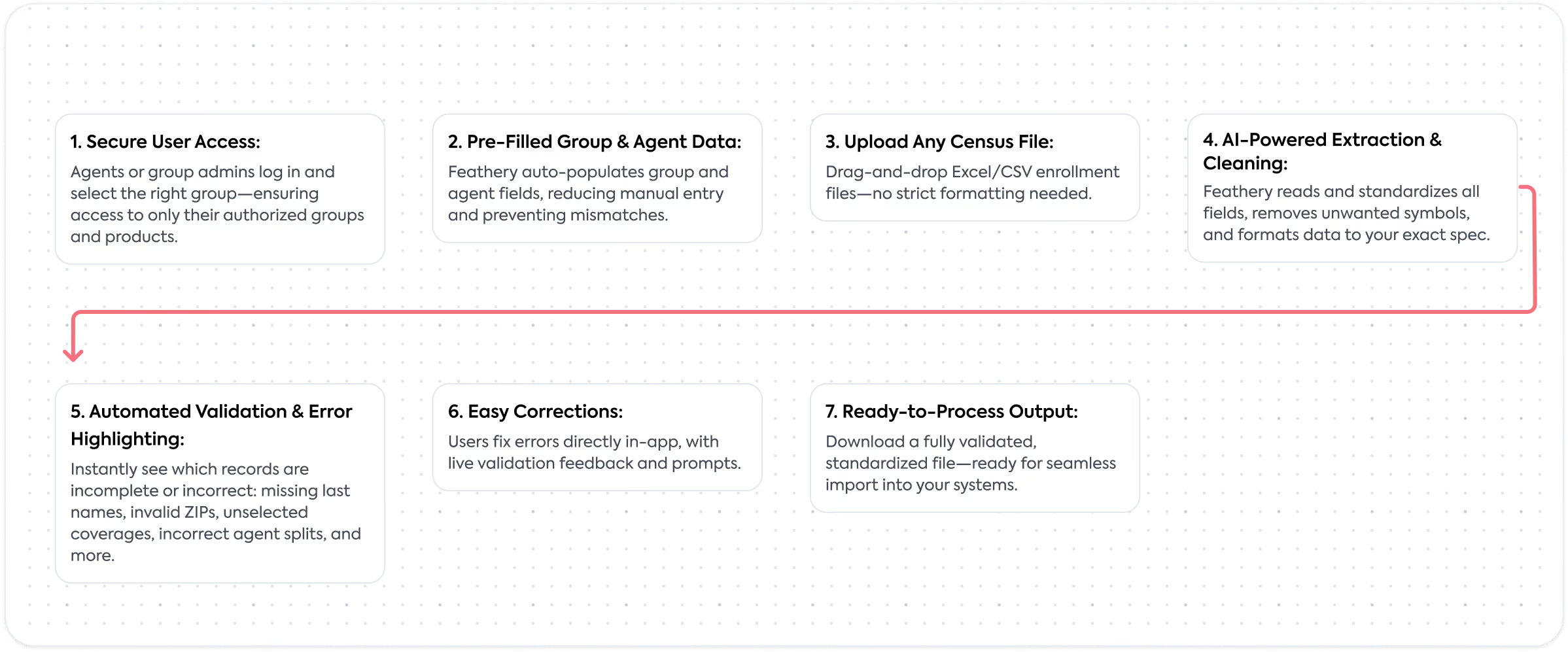
How Feathery Works for Census Data
Prioritize submissions for Adjusters to review based on any criteria such as loss amount, line of business and more

“Feathery completely changed our onboarding experience. Instead of spending days chasing down errors and reformatting census files, our groups and agents upload whatever they have—Feathery guides them to perfect, validated data in minutes. Our team spends less time on manual review and more on delivering value to clients”
— VP, Group Operations, National Insurance Carrier


Automate broker workflows with Feathery
Feathery AI hooks into voice recordings to automatically translate your broker conversations into the structured data required for underwriting. Automatically generate carrier documents as well and route them for approval.